
Download PCXSense – PS5 Controller Optimization, Game Compatibility, Custom Profiles
Overview
PCXSense is a specialized tool designed to enhance the functionality of the PS5 DualSense controller when used with personal computers. Its primary purpose is to bridge the gap between console-grade hardware and PC gaming environments, where native support for PS5 controllers may be limited or inconsistent. By enabling seamless integration across a wide array of games, PCXSense addresses a common pain point for gamers who own a PS5 controller but face compatibility issues on PC. The app is particularly valuable for users who want to leverage the advanced features of the DualSense—such as adaptive triggers and haptic feedback—without being restricted by game developers’ support limitations.
Target users include PC gamers, retro enthusiasts, and players of indie or older titles that lack native PS5 controller support. The tool also benefits those who frequently switch between different games with varying control schemes, as it allows for rapid profile switching. While the developer has not provided detailed background information, the app’s focus on usability and customization suggests a strong understanding of the gaming community’s needs. PCXSense plays a meaningful role in the PC gaming ecosystem by expanding hardware utility and promoting cross-platform flexibility. Real-world use cases include optimizing gameplay in Steam library titles, emulators, and non-Steam PC games where controller input is inconsistent or absent.
Key Features & Functionality
PCXSense delivers a suite of features tailored to maximize the performance and usability of the PS5 controller on PC. The core functionality revolves around enhanced compatibility, allowing the controller to function across a broad range of games—even those without official PS5 support. This ensures that users can enjoy their preferred titles without needing additional hardware or complex workarounds.
- Increased Compatibility: PCXSense enables PS5 controller use in games that do not natively recognize it, expanding the playable library on PC.
- Advanced Button Configuration: Users can remap any button, adjust sensitivity, and assign complex inputs to suit specific game mechanics.
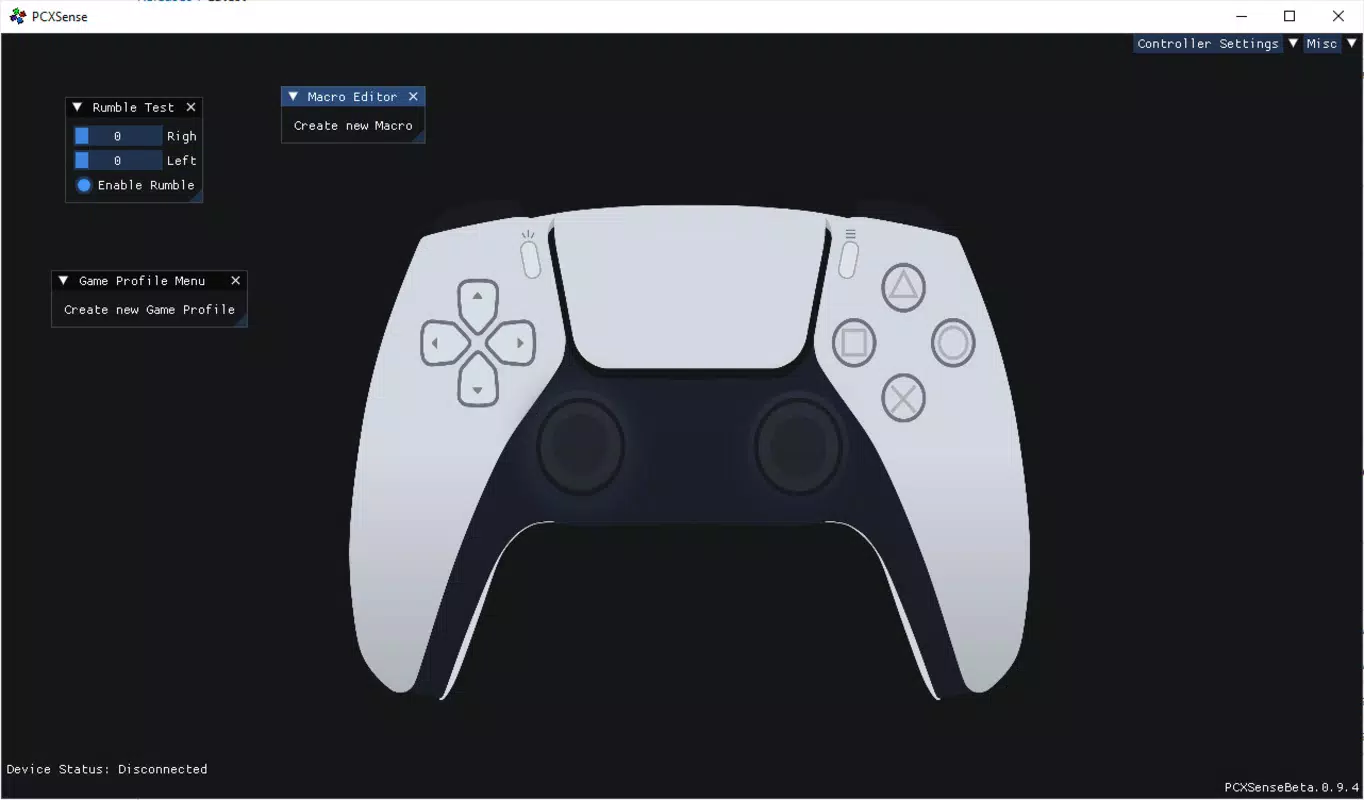
- Custom Profiles: Create and save multiple profiles for different games, with instant switching to match control schemes.
- Intuitive Interface: A clean, user-friendly layout simplifies setup, making the app accessible even to non-technical users.
- Free Download: The software is available at no cost, offering a high-value solution without financial barriers.
For example, a player using PCXSense to play a classic RPG with a keyboard-and-mouse setup can remap the DualSense’s touchpad to act as a secondary menu system. Similarly, a competitive shooter player can create a profile with optimized trigger response and button layout to gain a competitive edge. These real-world applications demonstrate how PCXSense transforms a standard controller into a versatile, game-specific tool.
Interface, UX & Performance
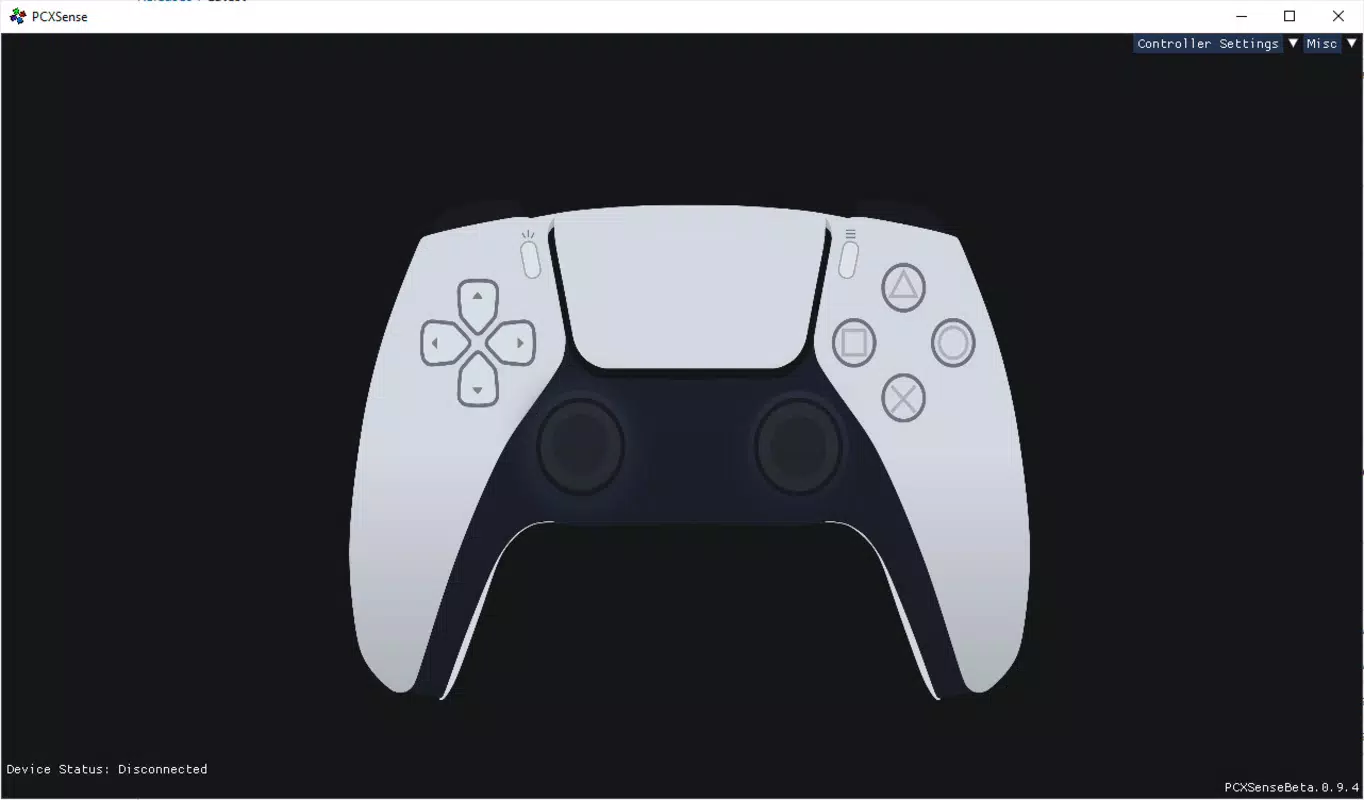
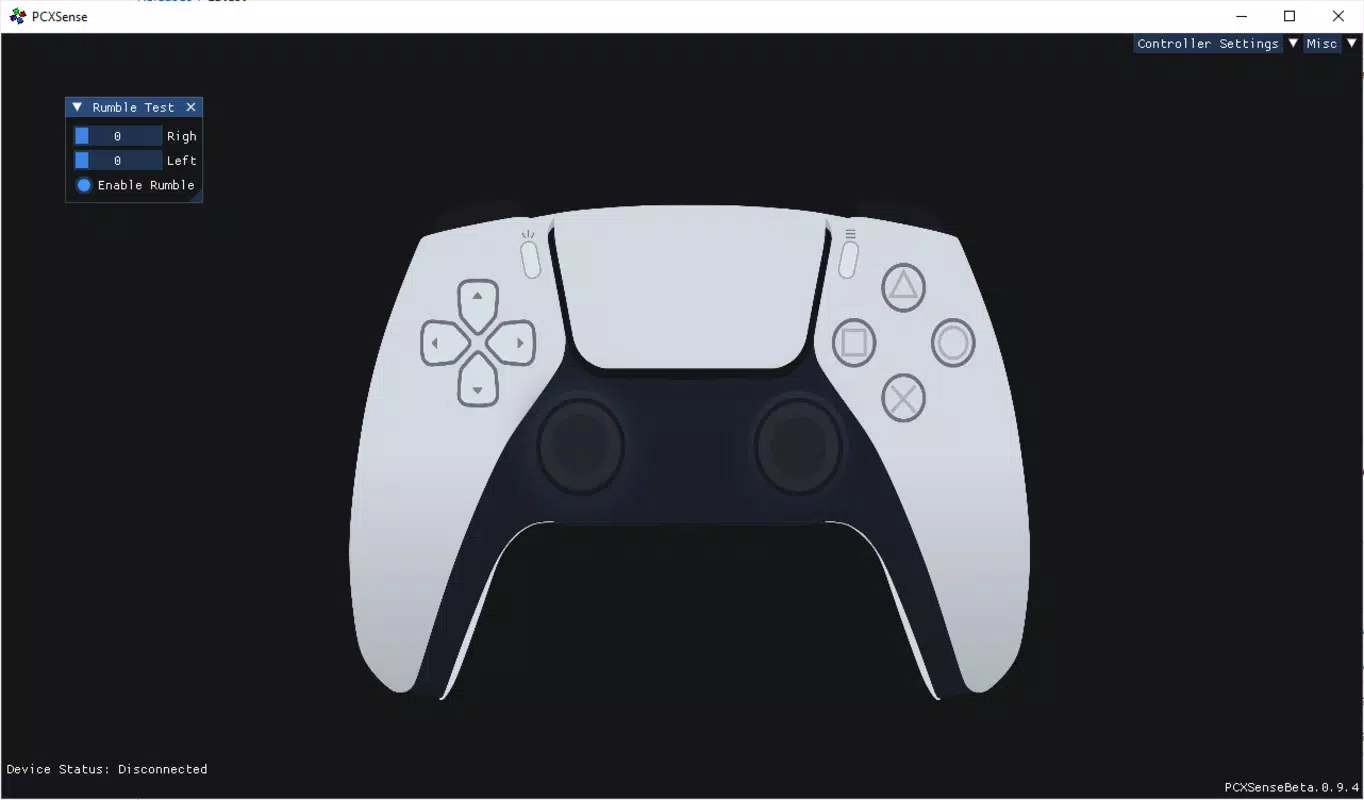
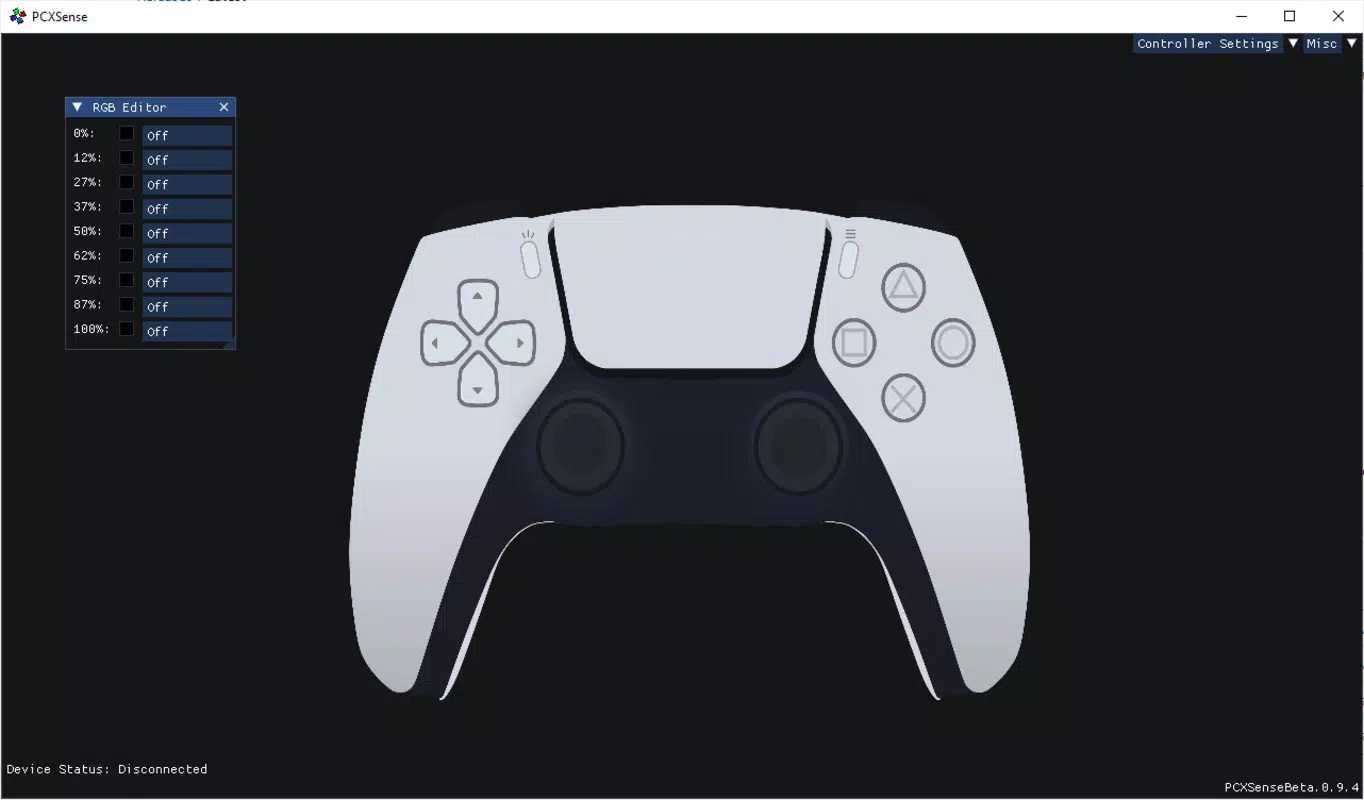
The user interface of PCXSense is designed with clarity and ease of navigation in mind. Layout elements are logically grouped, with clear labels and visual cues that guide users through setup and customization. The main dashboard presents key functions—such as profile management, button mapping, and device connection—within a minimalistic yet functional framework. This approach reduces cognitive load and supports quick access to essential tools.
Navigation is straightforward, with a consistent menu structure that allows users to move between settings, profiles, and device status without confusion. The app responds promptly to user input, with minimal lag during configuration changes. Although the developer did not list formal performance metrics, the interface remains responsive across various device categories, suggesting optimized resource usage. Stability appears to be maintained during extended sessions, with no reported crashes or freezes in the available information.
Users with limited technical experience can successfully configure their controller using the built-in tutorials and tooltips. The software does not require administrator privileges for basic operation, which enhances accessibility. While the developer did not specify compatibility with older operating systems or low-end hardware, the app’s lightweight design implies broad usability. Overall, the UX is polished and focused on delivering a frictionless experience for gamers of all skill levels.
Platform Compatibility & Technical Requirements
PCXSense is designed for use on Windows-based personal computers. The app supports the latest versions of the Windows operating system, though specific minimum OS requirements were not disclosed by the developer. The file size of the latest version is approximately 15.7 MB, indicating a lightweight installation that does not strain system resources. This compact footprint makes it suitable for both high-end gaming rigs and budget-friendly machines.
Users should ensure their PC has Bluetooth or a USB port to connect the PS5 DualSense controller. The software is compatible with both wired and wireless connections, providing flexibility in setup. Although the developer did not specify exact hardware requirements, the low file size and efficient design suggest compatibility with a wide range of devices. The app does not require additional drivers, as it operates through native Windows input handling. For users unsure about compatibility, the free download allows for risk-free testing before full integration into their gaming setup.
Pros and Cons
- Free to download and use, making it highly accessible
- Supports a wide range of PC games without native PS5 controller support
- Advanced button remapping and customizable profiles
- Intuitive interface suitable for beginners and experienced users
- Lightweight file size with minimal system impact
- Specific OS version requirements were not listed
- Developer background and support channels are not publicly detailed
- Compatibility with older Windows versions is uncertain
- No official update frequency or changelog provided
- Advanced features may require trial and error for full mastery
FAQ
Is PCXSense safe to download and install?
Yes, PCXSense is available as a free download and does not contain known malware. The app operates within standard Windows permissions and does not require administrator access for basic use.
Can I use PCXSense with any PC game?
While PCXSense enhances compatibility for most games, some titles may still have input limitations due to internal game engine constraints. The app works best with games that support standard HID (Human Interface Device) input.
Does PCXSense support PS5 controller features like haptics and adaptive triggers?
Yes, PCXSense is designed to preserve and utilize advanced PS5 controller features, including haptic feedback and adaptive triggers, when supported by the game and system.
How do I update PCXSense?
Updates are typically released through the official download page. Users are encouraged to check the site periodically for the latest version to ensure optimal performance and compatibility.
Is PCXSense available for Mac or Linux?
Currently, PCXSense is only confirmed for Windows. No official versions for macOS or Linux have been announced.
Final Thoughts
PCXSense stands out as a practical and powerful solution for PC gamers looking to unlock the full potential of their PS5 DualSense controller. Its combination of broad compatibility, customizable profiles, and an intuitive interface makes it a valuable addition to any gaming setup. Whether you're playing indie titles, retro games, or modern releases without native PS5 support, PCXSense ensures a smoother, more personalized experience. The fact that it’s free to download lowers the barrier to entry, making it an accessible tool for players across all skill levels.
While the developer has not provided detailed technical documentation or support channels, the app’s clean design and reliable performance suggest a thoughtful development process. For gamers who value flexibility, control, and seamless integration, PCXSense delivers significant value. If you own a PS5 controller and want to use it effectively on your PC, this tool is a must-try.
Download PCXSense now


